1
Public shop
A cream floral storefront customers see. Their florist. Not a directory, not a feed of other shops.
Mom-and-pop flower shops get a pretty public shop plus an owner counter.
Bloom Counter shop demo
How it works
Illustrated — not a stock photo of somebody else’s cooler. The owner stays on a phone. Customers stay on a pretty shop.
A cream floral storefront customers see. Their florist. Not a directory, not a feed of other shops.
Phone photo, name, price, save. That’s the whole add. Camera or upload — it lives on the device until you list it.
Save, and the bouquet is on the shop — same phone, same browser, no waiting on a webmaster.
Plain English. Ask for a Mother’s Day banner on the front page, see the preview, tap Do it. Take it down the same way.
About
Bloom Counter is a hidden engine, not a marketplace. There is no directory of florists here, and no feed of other people’s roses.
Each shop is its own pretty front and its own owner counter. When our designers land a florist, we clone the system for that shop — name, colors, hours, the works.
This site is the product. It is not a competing flower shop, and it does not pretend to be one.
Customers never see a software brand on the window. They see the florist. The counter is for the owner, on a phone, in the back.
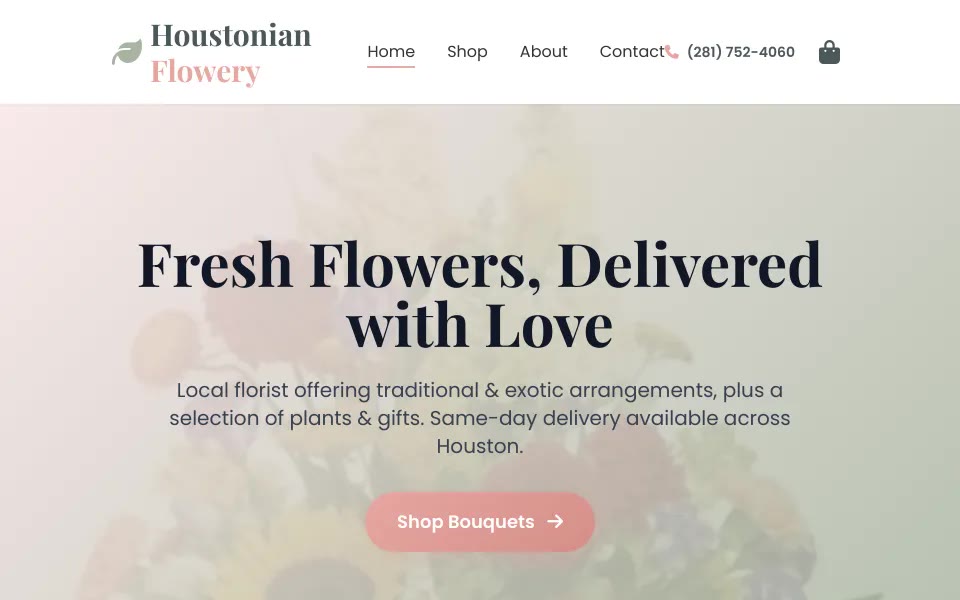
A live Houston florist already runs on this system at houstonianflowery.com — proof, not a catalog dump. Her arrangements stay on her site.
Sample work
One featured shop. Built on this engine. Her catalog stays on her site — this page is not her store.
Live florist site on this system
A live Houston florist running on Bloom Counter. Built on this engine; her shop stays on her domain.
Demo
Open it on a phone. Two tabs: Add and Chat. Nothing here is Houstonian Flowery’s storefront — that’s hers, on her domain. This is the sandbox so you can poke the product while bloomcounter.shop DNS settles.
Point the camera at a bouquet (or upload a photo). Give it a name, a price, an occasion, a sentence. Save lists it on the demo shop the same day. Keys live in this browser: flower_items.
Ask in plain English — try “put a Mother’s Day banner on the front page.” You get a suggestion and a preview. Tap Do it and it hangs on the demo shop. “Take the banner down” works the same. Stored as flower_promo.
Pricing
No invented dollar amounts on this page. Pricing comes when we sit down with the florist — one shop, set up by us.
The shop
Your public storefront and your owner counter. Yours alone. Not a stall in a marketplace, not a shared catalog.
Ask about a shopHow it starts
We clone Bloom Counter for your florist. You don’t wrestle a CMS. Photo, name, price — the counter is the whole add.
Tell us about the shopNext
A note is enough. Shop name, city, what you sell. We’ll talk numbers when we’re looking at your counter, not before.
Write our designersContact
Email opens on your machine. The public address is contact@bloomcounter.com — notes from this form go to our designers.
Or skip the form: contact@bloomcounter.com.
You’re on the sandbox domain bloomcounter.shop while DNS propagates. The public brand is bloomcounter.com — that’s the wordmark, that’s the product.